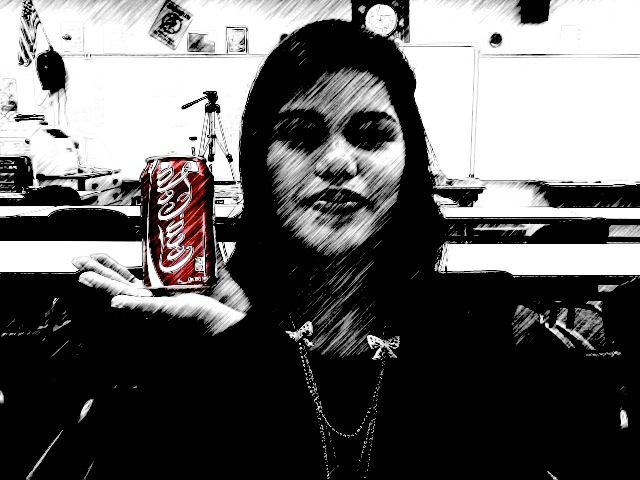
Look who dropped by the classroom today. With our continued work on the software app Gimp the student are to replace their face with someone they consider a superstar or famous person. The assignment involves the use of scale, rotation, perspective, and the use of varying paint tools.
To make this photo illusion work you first need a color image. Convert the image to B&W , save it and reopen it. Now reopen the original color image. Using the lasso tool select a portion of the image, copy it and paste to the B& W image. Save.
The students are taking a photo and using the paint tool Hue Saturation to modify the image. The student may also use The Toolbox tools to modify the image. Here is the original


 Images