I apologize to anyone looking for older projects from Hillside students. The computer lab was updated in 2009 with Mac Computers and then in 2012 the Hillside High.org website was discontinued. The projects on this page are samplings of work that HHS students have done over the past few years.
Tuesday, January 21, 2014

Tuesday, November 19, 2013


Monday, October 28, 2013
2013-2014 School Year
NEW SCHOOL YEAR
From this point on everything above this post will be from the 2013-2014 school year.
From this point on everything above this post will be from the 2013-2014 school year.
Friday, March 8, 2013
Hillside High Harlem Shake Videos
With the craze of the Harlem Shake, the student body of Hillside High decided to get involved in the movement. It was on this day that I began the saga of hurting my Achilles tendon. (Mr. Connor) It was a fun craze that swept the country and our student population was willing to participate in it!
Friday, February 22, 2013
Glogal Warming?
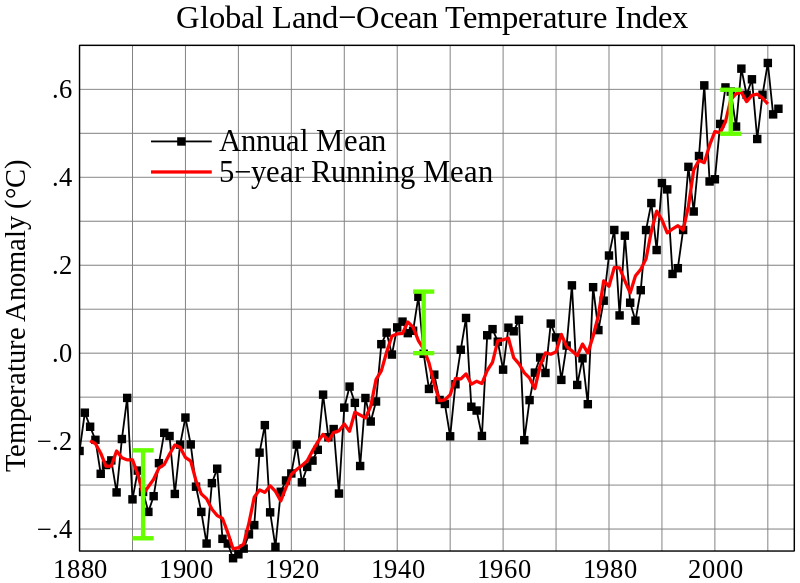


Long-term change in global tropical cyclone frequency. (Geophysical Research Letters)
We can conclude, then, that science tells us three things about climate and hurricanes:
- There is no discernible effect on present activity by climate change
- There will probably be fewer hurricanes in a warmer world
- The very strongest storms may get a bit stronger in a warmer world
Friday, January 18, 2013
Create a Logo, Business Card & Flyer
Today you are to make a business card that represents your business and identifies who and where you are are and contact information. On the card you may want to include your phone number, email address, facebook, etc.
Below are links to sites that have premade business cards where you can download the images to use in Microsoft Word.
businesscardtemplates
Below are links to sites that have premade business cards where you can download the images to use in Microsoft Word.
businesscardtemplates
Thursday, January 17, 2013
Your Business Plan
This week we have researched types of businesses (service oriented, product oriented & franchises), created our own business type, named it and made a description of our business.Yesterday we identified a location for our business and defined who might be our competitors as well as might be our customers.
Today we are going to determine what costs we might incur starting up our business.
Review the following website that identifies Start Up costs. Start Up Costs
Review the following website that identify fixed costs and variable costs. Fixed vs Variable Costs
Commercial Rental Prices City of Upland Commercial Real Estate

Today we are going to determine what costs we might incur starting up our business.
Review the following website that identifies Start Up costs. Start Up Costs
Review the following website that identify fixed costs and variable costs. Fixed vs Variable Costs
Friday, January 11, 2013
Add an Image to your Page
Today's assignment is to add a photo of yourself to your page. Go to Design, Layout, Add a Gadget. Add the gadget "Image" Insert an image of yourself from your computer. I want the image to be in the left margin. You may add more than one photo, but I want that has you in it.
I then would like you to revisit the Link List Gadget and add two more links.
Next visit at least two more of your classmates blogspot sites and become followers of their page.
Finally check your page and make sure you have included all of the work required this wee.
* Note on the Favicoms. They appear to work on just about every browser except for Safari. This may be because the Favicom was created by Windows which is a competitor of Apple Inc.
I then would like you to revisit the Link List Gadget and add two more links.
Next visit at least two more of your classmates blogspot sites and become followers of their page.
Finally check your page and make sure you have included all of the work required this wee.
* Note on the Favicoms. They appear to work on just about every browser except for Safari. This may be because the Favicom was created by Windows which is a competitor of Apple Inc.
Thursday, January 10, 2013
Using Blogspot
Today's Assignment is to create a post on blogspot.
1st check my Jan 8th post and make sure that the link to your page is listed.
create a post containing two items and at least two photos.
I would like you tell us what your favorite month of the year is and why and
comment on a celebrity give an opinion good or bad.
Once you have posted go to other students blogspot pages and make comments. Please no negatives.
An Example:
My favorite month of the year is July. It also could be August but since my birthday falls in July I will stick with that month. I like July because the weather is warming up and I have time to do outdoor activities. I like going to the beach and to the mountains. At the beach I like to body surf and then lay around on the sand and read a good book. In the mountains I like to backpack and explore areas on the Sierra's that I have not been to before.


1st check my Jan 8th post and make sure that the link to your page is listed.
create a post containing two items and at least two photos.
I would like you tell us what your favorite month of the year is and why and
comment on a celebrity give an opinion good or bad.
Once you have posted go to other students blogspot pages and make comments. Please no negatives.
An Example:
My favorite month of the year is July. It also could be August but since my birthday falls in July I will stick with that month. I like July because the weather is warming up and I have time to do outdoor activities. I like going to the beach and to the mountains. At the beach I like to body surf and then lay around on the sand and read a good book. In the mountains I like to backpack and explore areas on the Sierra's that I have not been to before.


Wednesday, January 9, 2013
Create a Favicon for Blogspot Page
Today we will be taking a pic of yourself, either use an existing or use photobooth to take a photo.
Most photos are in a rectangular shape so we will need to use GIMP to make it a square pic.
GIMP select image size and break the chain so it will not scale. Create an image that is 16 x 16 or 32 x 32. Save the image with your name. ico. Go back to your blogspot page and go to "design" then "layout" select Favicon edit and install your photo. This should change the favicon image.

Most photos are in a rectangular shape so we will need to use GIMP to make it a square pic.
GIMP select image size and break the chain so it will not scale. Create an image that is 16 x 16 or 32 x 32. Save the image with your name. ico. Go back to your blogspot page and go to "design" then "layout" select Favicon edit and install your photo. This should change the favicon image.
Tuesday, January 8, 2013
Make a Contact
Today I would like students to visit other students Blogspot page and join their page. For the assignment today I would like you to join a minimum of 10 other students pages. Here are links to the students who sent me their page in an email yesterday, as part of the class assignment.
Note* For this to work prior to going to a classmates page you must first add the "Follower" Gadget to your own page. (This gadget adds the ability to follow your page, without this Gadget you will not know who is following your page.)
Please no negative comments, should you choose to leave a comment on a fellow students page.
Note* For this to work prior to going to a classmates page you must first add the "Follower" Gadget to your own page. (This gadget adds the ability to follow your page, without this Gadget you will not know who is following your page.)
Please no negative comments, should you choose to leave a comment on a fellow students page.
Per 3
Per 4
Per 5
Tuesday, December 25, 2012
Things to try in 2nd Semester
Tilt Shift photo and video effects. The effect can be don in Gimp.
Tilt Shift Video- This link shows how to do on Gimp but with an added on effect, that I do not think the standard Gimp comes with. Check this.
Tilt Shift Video- This link shows how to do on Gimp but with an added on effect, that I do not think the standard Gimp comes with. Check this.
Friday, December 21, 2012
Adding HTML/JAVA Coding to Blogspot
Today we will look at adding some HTML/JAVA code to our blogspot site. My hope is that you attempt to add a code to your page over the break. We will start the new year looking at HTML code.
You can get random code by going on to different sites from a search of "Widgets", "Gadgets", Apps. Not all will work, you might have to experiment with different sites and widgets. Here are some links that I have found that work. Remember once you have copied the code, you will add it to your site while in the desing/layout mode select new gadget and then select the HTML/Java Code gadget.
calendarlab.com
cutek
Gadget Tips
Tips for Creating you Own Gadget
Here is a code that adds a Quote of the Day to your page. From calendar lab.com
<!-------Do not change below this line-------><div align="center"><iframe align="center" src="http://www.calendarlabs.com/calendars/web-content/quot.php?cid=101&uid=319777201&c=random&l=en&cbg=000000&cb=2&cbc=FFFFFF&cf=calibri&cfg=FFFFFF&qfs=bi&qta=right&tfg=FFFFFF&tfs=bi&afc=FFFFFF&afs=i" width="188" height="210" marginwidth=0 marginheight=0 frameborder=0 scrolling=no allowtransparency='true'>Loading...</iframe><center><div style="width:180px;font-family:Verdana;font-size:8px;margin-top:1px;">Powered by <a href="http://www.calendarlabs.com/" target="_blank">Calendar Labs</a></div></center></div><!-------Do not change above this line------->
Have an enjoyable holiday see you in the new year!
You can get random code by going on to different sites from a search of "Widgets", "Gadgets", Apps. Not all will work, you might have to experiment with different sites and widgets. Here are some links that I have found that work. Remember once you have copied the code, you will add it to your site while in the desing/layout mode select new gadget and then select the HTML/Java Code gadget.
calendarlab.com
cutek
Gadget Tips
Tips for Creating you Own Gadget
Here is a code that adds a Quote of the Day to your page. From calendar lab.com
<!-------Do not change below this line-------><div align="center"><iframe align="center" src="http://www.calendarlabs.com/calendars/web-content/quot.php?cid=101&uid=319777201&c=random&l=en&cbg=000000&cb=2&cbc=FFFFFF&cf=calibri&cfg=FFFFFF&qfs=bi&qta=right&tfg=FFFFFF&tfs=bi&afc=FFFFFF&afs=i" width="188" height="210" marginwidth=0 marginheight=0 frameborder=0 scrolling=no allowtransparency='true'>Loading...</iframe><center><div style="width:180px;font-family:Verdana;font-size:8px;margin-top:1px;">Powered by <a href="http://www.calendarlabs.com/" target="_blank">Calendar Labs</a></div></center></div><!-------Do not change above this line------->
Have an enjoyable holiday see you in the new year!
Thursday, December 20, 2012
Student made Blogspot Sites.

Wednesday, December 19, 2012
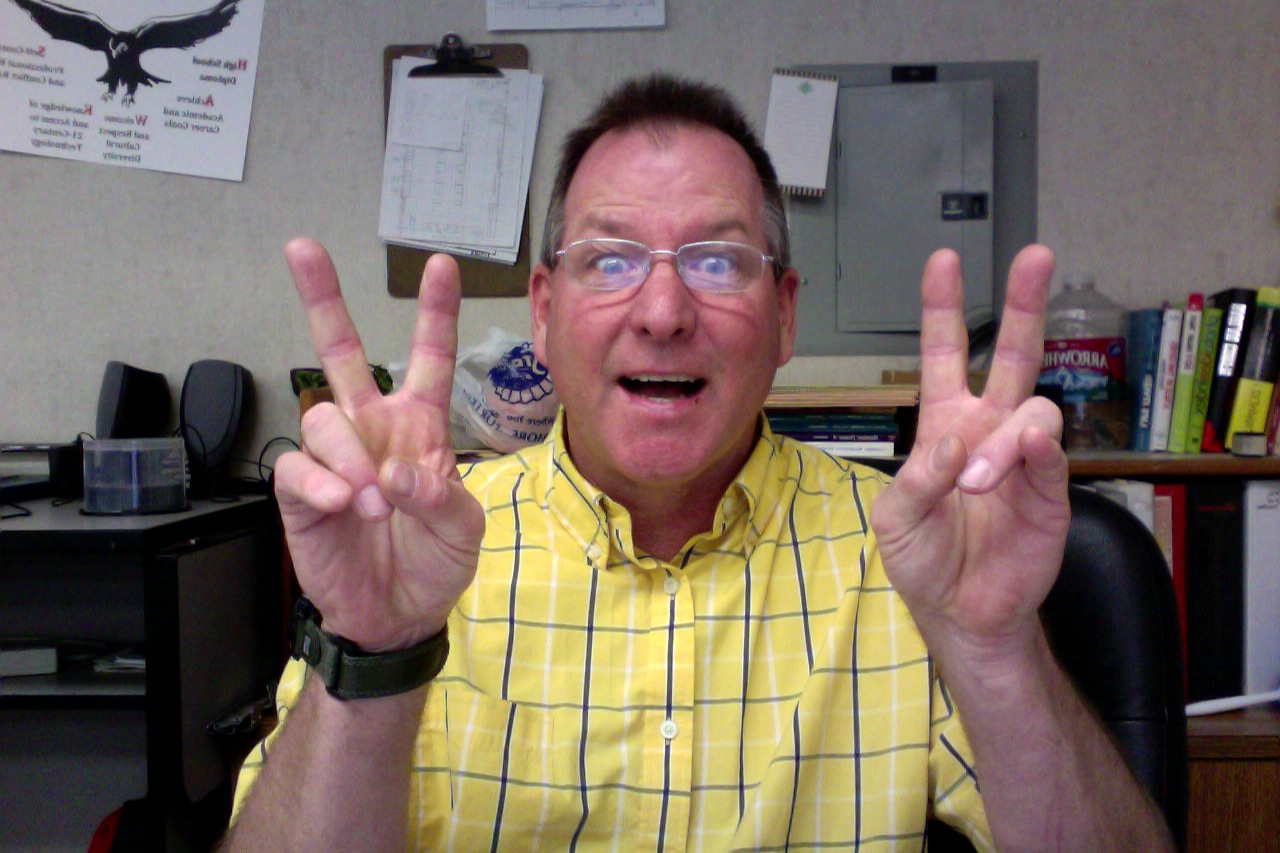
You Find The Darndest Things On.....
I opened up my photo booth software on my computer to find the following images?




Tuesday, December 18, 2012
Blogspot Time
Here we go. So I decided that before this Holiday season break each student will create a blogspot site for themselves, giving them time over the break, if they wish, to explore the site and the widgets. Here is the Hillside-high.blogspot.com page as an example.


Template Page
Today we will create a template for your page.

Widgets
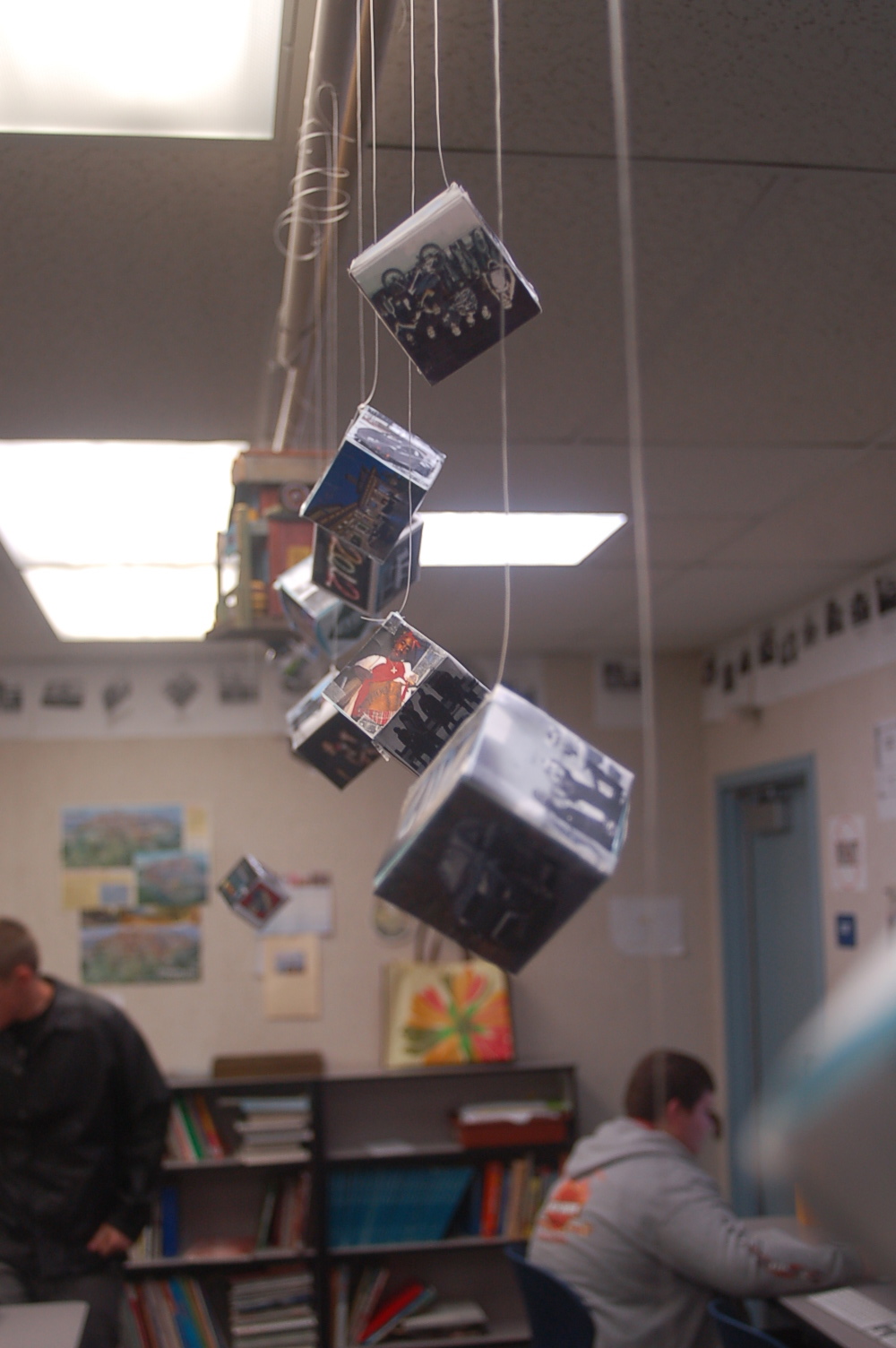
Cube Project
Students are to take six photos and resize them to be 2 x 2 inches in size. They shall make a 2 x 2 x 2 cube and place the six pictures onto the cube.


 Images


Monday, December 10, 2012
Famous Person Assigment
Look who dropped by the classroom today. With our continued work on the software app Gimp the student are to replace their face with someone they consider a superstar or famous person. The assignment involves the use of scale, rotation, perspective, and the use of varying paint tools.


Monday, December 3, 2012
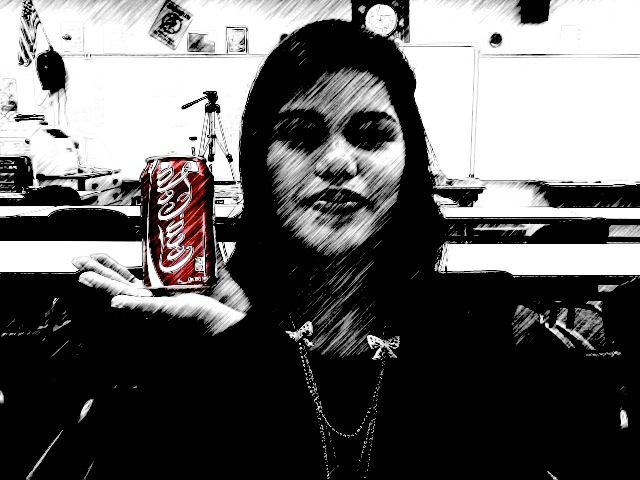
Add Color to B&W photo.
To make this photo illusion work you first need a color image. Convert the image to B&W , save it and reopen it. Now reopen the original color image. Using the lasso tool select a portion of the image, copy it and paste to the B& W image. Save.




Subscribe to:
Posts (Atom)